
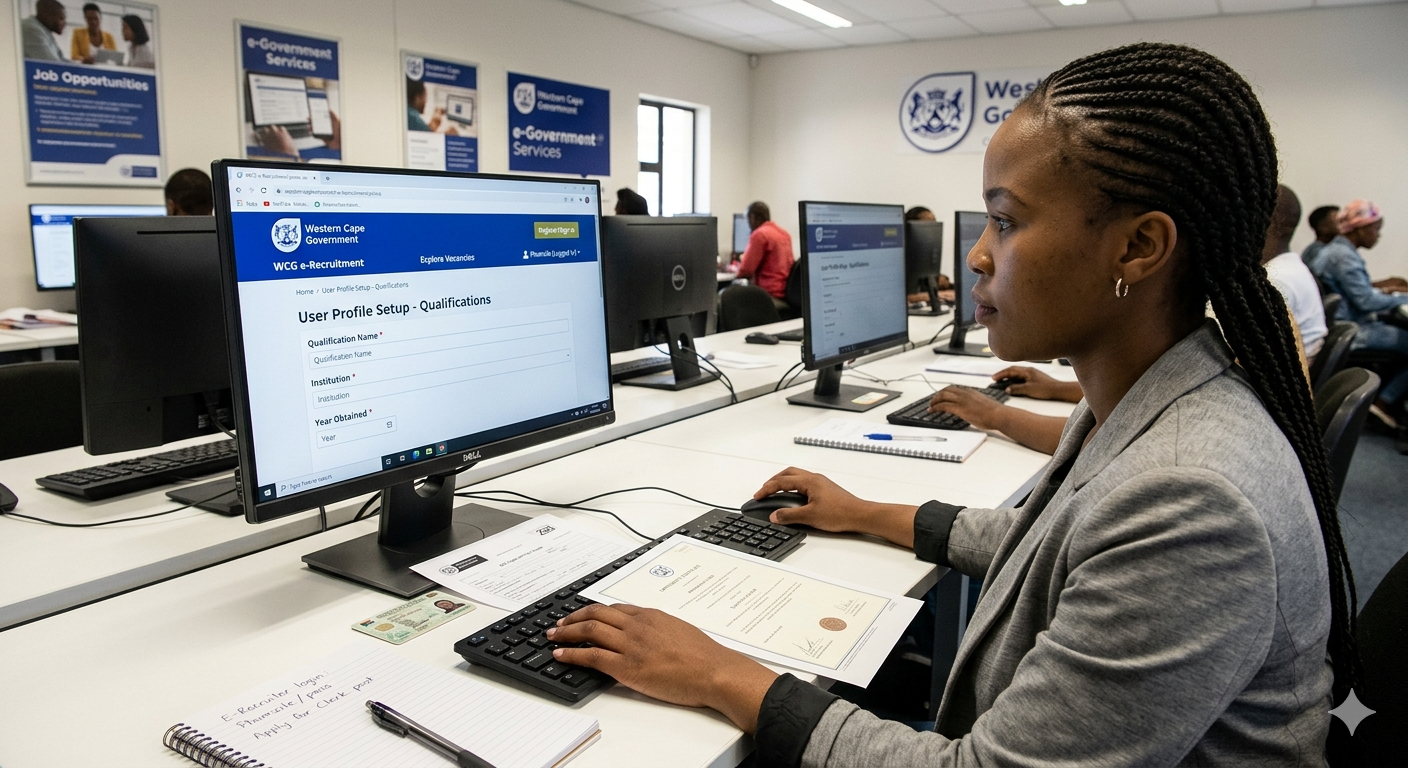
Government e-Recruitment Portals in South Africa (2026) – How to Register & Apply
Registering on official government e-recruitment portals in South Africa helps job seekers apply for vacancies quickly and efficiently. Once your profile is created, your CV and qualifications are stored, allowing you to apply for multiple jobs without re-uploading documents.
This guide covers national and provincial e-recruitment portals, required documents, and tips for successful registration.
CLICK HERE FOR MORE JOBS
Follow whatsapp channel
National & Provincial e-Recruitment Portals
see also Pick n Pay YES Learnership Merchandiser Opportunities
National: Employment Services of South Africa (ESSA)
- Managed by the Department of Employment and Labour
- ESSA is a free online system that connects job seekers with employers and training opportunities across South Africa
- Ideal for finding jobs, learnerships, and internships nationwide
Eastern Cape e-Recruitment Portal
- Apply here for government jobs in the Eastern Cape
- Create your profile, add qualifications, and upload your CV (PDF format required)
- Ensure all personal and academic details are accurate
Western Cape Government Careers Portal
- Managed by the Western Cape Government Apply here
- Register to apply for provincial vacancies
- Education-related jobs are available through the WCED e-Recruitment system
Gauteng Professional Job Centre
- ,Hosted by the Gauteng Provincial Government Apply here
- Central platform for all Gauteng provincial department vacancies
- Profile registration is required before applying
KwaZulu-Natal (KZN) e-Recruitment Portal
- Known as the S’thesha Waya-Waya system,Apply here
- Applicants must complete a digital Z83 form and upload a CV
- Used for applying to KZN government departments
Documents Required for Registration
Prepare the following documents in PDF format before registering:
- South African ID document
- Updated CV
- Matric certificate
- Tertiary qualifications (if applicable)
- Driver’s licence (if required)
- Professional certificates (if applicable)
see also HEINEKEN Beverages Temp Learnership 2026 – Gauteng & Eastern Cape
Important Registration Tips
- Use a valid email address and active cellphone number
- Be ready to receive One-Time Pins (OTPs) for verification
- Double-check your personal details before submitting
- Keep your CV updated with latest experience and skills
- Save login details for future job applications
Benefits of Registering on e-Recruitment Portals
- Faster job applications
- Secure storage of CV and documents
- Access to multiple government job opportunities
- Increased chances of employment through profile matching
see also FNB Learnership Programme 2026 – Earn R5 933 Monthly While Building Your Career
Conclusion
Registering on South Africa’s official government e-recruitment portals is an essential step for job seekers in 2026. By creating a complete and accurate profile, you can easily apply for vacancies across different provinces and improve your chances of getting hired.
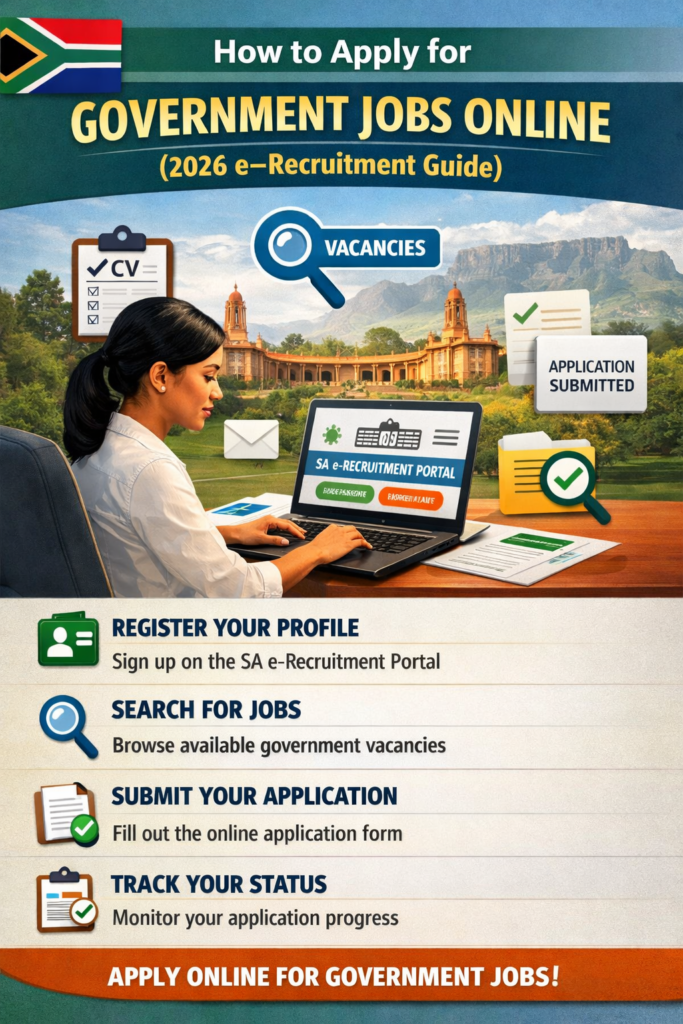
How to Apply for Government Jobs Online in South Africa (2026 e-Recruitment Guide)
Applying for government jobs in South Africa is now faster and more efficient through official e-Recruitment systems used by provincial departments such as the Western Cape and Gauteng. These platforms allow you to create a profile, upload your CV, and apply for multiple vacancies in one place.
This complete guide explains how to register, create your profile, upload documents, and successfully apply for government vacancies online in 2026.
What is the e-Recruitment System?
The e-Recruitment system is an online job application platform used by government departments to manage vacancies and applications. It allows job seekers to:
- Create a digital CV profile
- Upload and store documents securely
- Apply for multiple government jobs
- Track application status online
also check Airlink Cleaning Department Jobs 2026 in Johannesburg (Matric Required)
Step 1: Register on the e-Recruitment Portal
To apply for jobs, you must first create an account.
- Visit the official Western Cape Government e-Recruitment portal or your province’s platform
- Click on “Register” or “Create Account”
- Fill in the required details:
- Full name and surname
- South African ID number
- Active email address
- Secure password (minimum 8 characters)
- Verify your account using:
- Email confirmation link, or
- One-Time Pin (OTP) sent to your phone/email
✅ Your account will be activated after successful verification
Step 2: Create Your Online CV (Profile)
Once logged in, complete your online profile. This acts as your official CV when applying.
Fill in all required sections:
Personal Information
- Address, contact details, nationality, and gender
Education & Qualifications
- Matric certificate
- Diplomas, degrees, or other certifications
Work Experience
- Previous jobs
- Responsibilities and duties
- Employment dates
Skills & Competencies
- Computer literacy
- Language proficiency
- Relevant technical skills
References
- At least two referees with contact details
💡 Some systems require an “Experience Set” — a short motivation explaining why you are suitable for the job (similar to a cover letter).
also check 🌿 Property Caretaker Job Vacancy – Tshwane District Hospital, Gauteng
Step 3: Upload Required Documents
Before applying, upload clear and certified copies of your documents in PDF or JPEG format:
- Certified South African ID copy
- Certified qualifications (Matric and tertiary)
- Updated CV
- Proof of residence (if required)
- Professional registration certificates (if applicable)
📌 Ensure documents are:
- Clearly scanned
- Recently certified
- Easy to read
Step 4: Search and Apply for Government Vacancies
After completing your profile, you can start applying.
- Click on “Vacancies” or “Jobs”
- Use filters to search by:
- Job title
- Department
- Province or location
- Select a job to view full requirements
- Click “Apply” if you meet the criteria
- Answer any screening questions
- Submit your application
✅ Always review your application before final submission
Z83 Form – Important Requirement
Most government job applications require the Z83 Application Form.
- Some e-Recruitment systems generate it automatically
- Others require you to upload a signed, latest Z83 form
📌 Always check the job advert carefully to confirm requirements
Track Your Application Status
After applying:
- Go to “My Applications” in your profile
- Monitor progress and updates
- Respond quickly if additional information is requested
Important Tips for Success
- Use a valid email and active cellphone number (for OTP verification)
- Keep your CV updated at all times
- Apply only for jobs you qualify for
- Do not create multiple profiles with the same ID number
- Double-check all information before submitting
Benefits of Using e-Recruitment Portals
- Fast and convenient job applications
- Secure document storage
- Access to multiple government departments
- Ability to track applications in real time
- Increased chances of employment through profile matching





Leave a Reply